

Why Builders Should Record Their Process (and How to Start)
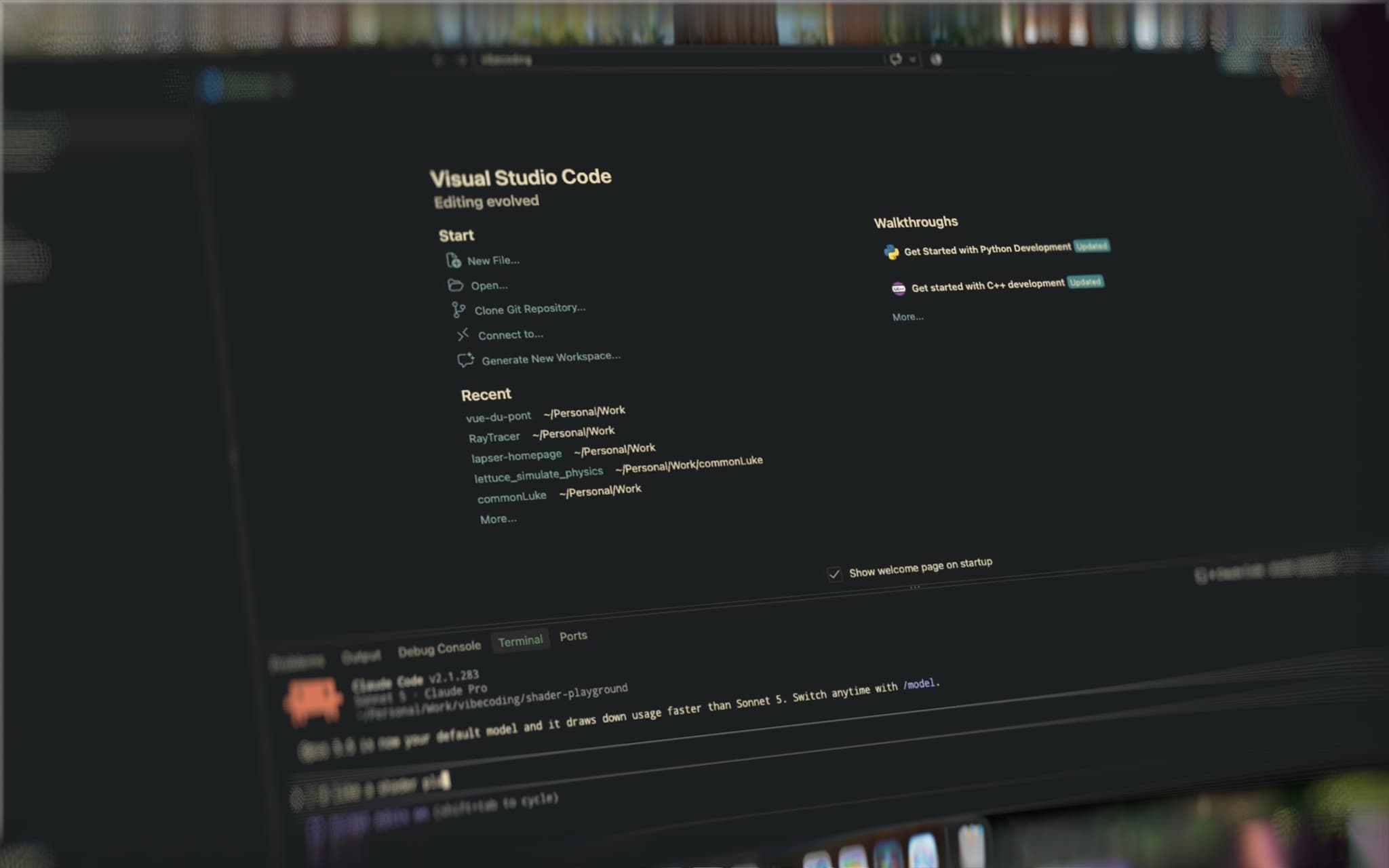
Every builder has the same regret at launch: no footage of the journey. The late nights, the refactors, the moment the feature finally worked — none of it captured. You ship the polished thing, post a screenshot, and all the story that would have made people care is gone.
Recording your process fixes that, and it costs almost nothing to do. Here's the case for hitting record on your next work session — and how to make it a habit that doesn't slow you down.
Process content outperforms polished demos
The build-in-public movement figured something out: people connect with the making, not just the made. A launch post is one moment; a process video is a story with a beginning, middle, and end.
Look at what actually spreads on X, YouTube, and TikTok: speedpaints, coding timelapses, "I built this in a weekend" montages. A sixty-second timelapse of an interface coming together will routinely outperform a static screenshot of the finished product, because it answers the question a screenshot can't — how did this get made?
For indie developers, designers, and makers, that's not vanity. It's distribution. Every timelapse is a small, honest ad for your skill and your product.
Your recordings become a personal changelog
Even if you never post a single clip, recordings are worth having:
- A progress log you can feel. Scrubbing through a month of timelapses shows growth in a way commit history and to-do lists never will.
- A portfolio of process. Clients and employers increasingly want to see how you work, not just what you produced. A library of work sessions is proof of craft that can't be faked.
- Raw material for later. That session from three weeks ago becomes a launch-day montage, a tutorial, or a "one year of building this app" retrospective. You can't edit footage you never captured.
We built our own changelog in public for the same reason — the record of progress is the story.
Why nobody does it (and how to fix that)
The reason most builders don't record is friction. Traditional screen recording means remembering to start, managing gigantic files, editing hours of footage down, and watching your CPU spike during the exact sessions you care about most.
The fix is making the recording invisible:
- Start from the menu bar. With Lapser Studio, starting a session is one click from the macOS menu bar. No project setup, no configuration screen between you and the work.
- Let timelapse do the editing. Capturing frames at an interval instead of continuous video means a full day of work lands as a short clip, not a mountain of footage to cut down.
- Let idle time remove itself. Lapser Studio's activity monitor pauses the recording when you step away and resumes when you're back — the boring parts never make it into the file.
- Keep it light. It's designed for low CPU usage over long sessions, so recording doesn't compete with the compiler, the render, or the export you're actually working on.
When recording costs nothing — no attention, no performance, no editing debt — there's no reason not to run it every session.
Turn a day of work into a 60-second clip
Here's the payoff loop, concretely:
- You start a recording in the morning and forget about it.
- You work: code, design, iterate, break things, fix them.
- At the end of the day you've got a timelapse of the whole arc — which you can style with a background, padding, and rounded corners, then export as a vertical 9:16 clip for Reels or Shorts, or 16:9 for YouTube, from 720p up to 4K.
A few ideas for what to capture first:
- A feature, start to finish. From empty branch to working demo.
- A design iteration. Watching a UI go through five versions in thirty seconds is compelling to designers and non-designers alike.
- Launch day. The most storied day of any project deserves footage.
- A bug hunt. There's real drama in watching a fix come together.
Private by default
One more thing that matters to builders: your unreleased work is sensitive. Lapser Studio processes everything locally on your Mac — no cloud uploads, no account, nothing leaves your device. You decide what gets shared, and when.
Start with your next session
You don't need a content strategy to begin. You just need footage. Record everything; decide what's worth sharing later.
Lapser Studio is a $30 lifetime deal — pay once, use forever, no subscription — and it's on the Mac App Store. Install it, click record in the menu bar, and let your next work session document itself.